b2amZyG6t6
New Member
Hi everyone,
I'm completely new to OBS and to streaming, and I'm trying to set up OBS for Twitch/Kick on Linux. I would really appreciate your help with the following problem.
I also cannot find any way to open them manually: the Docks menu has no entries for Chat, Stream Information or Twitch Activity Feed (the dock that shows new subscriptions and follows).
Finally, in
Thank you very much in advance!
I'm completely new to OBS and to streaming, and I'm trying to set up OBS for Twitch/Kick on Linux. I would really appreciate your help with the following problem.
Data
- OS: Fedora Linux 44 (Workstation Edition)
- Session: Wayland
- Device: Lenovo Legion 5 Pro 16ARX8
- OBS Studio: Flatpak v32.2.2 (currently installed). I also tried the Fedora package installed with
dnf(v32.1.1, with theobs-studio-plugin-browserpackage installed). The behavior is the same with both.
Problem
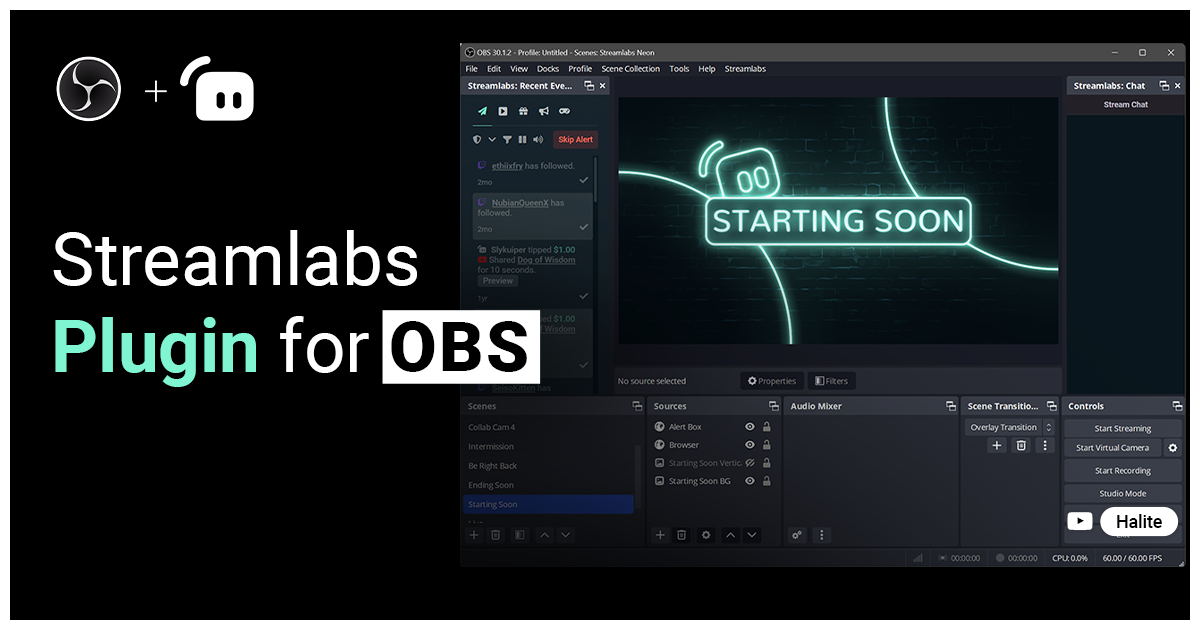
In the video tutorials I follow, at the end of the auto-configuration wizard, with Twitch selected, the "Stream Information" dock (stream title, description, category, etc.) and the Twitch chat dock open automatically. On my system neither of them opens.I also cannot find any way to open them manually: the Docks menu has no entries for Chat, Stream Information or Twitch Activity Feed (the dock that shows new subscriptions and follows).
Finally, in
Settings > Stream, with Twitch selected, there is no Connect Account button. The only possible option is to enter the stream key.Question
Is this a known limitation on Fedora or on Linux in general (for example with Wayland, since I read that browser docks may be disabled there)? Is there any way to get the "Connect Account" login and the Twitch docks, or is the stream key the only option, with chat and stream information handled from the browser?Thank you very much in advance!