SpokeLee
New Member
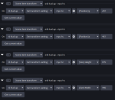
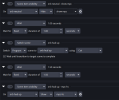
Not sure if that is the problem, but in your first screenshot you seem to be changing the height twice instead of changing the width and height.
And just to mention it, but I assume that is already clear:
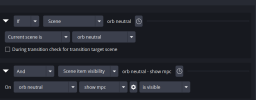
Both your macros seem to have the same condition.
So, if both are active at the same time and both are modifying the transform of the same source you might see "unexpected" results depending on which macro wins.
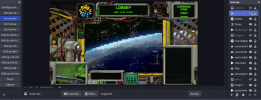
Ugh total brainfart. However it kinda fixed it but not in the actual scenario I need. I made a macro like you saw and it works when I hit run. I can't get it to work when I use it in the macro I want. It's complicated but I have a "home" scene with an empty image source I use as a button to trigger the sequence when I make it visible. I'm trying to have it resize to the frame in the center of the overlay. Everything works up until the set transform settings or string. I've included screenshots and a gif of the sequence, it should be resizing to fit the middle part. Maybe it working if it's the only thing in the macro will offer a clue.