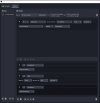
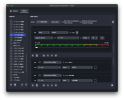
Hello, I'm testing out this plugin and would like to know what's the best way to set up a macro so that when a Window closes (e.g. Zoom.exe or Webex.exe), it'll make OBS stop recording? The conditions for Window only have "title matches, fullscreen, maximized, focused, focus window changed, and contains text". I was hoping for something to detect the existence of such a window. I tried "Window is focused", but that means I can't click on anything else while a meeting is in session.
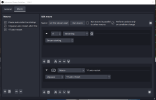
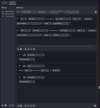
I think you want the Process condition, not Window, and "If not" instead of "If". See if this works:
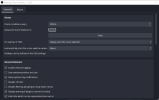
You probably want to uncheck the "focused" box. It does the same here as it does in the Window condition.
That said though, the simple existence of a window could be handy to add, using the list of windows instead of processes, since most of those processes don't even have windows.