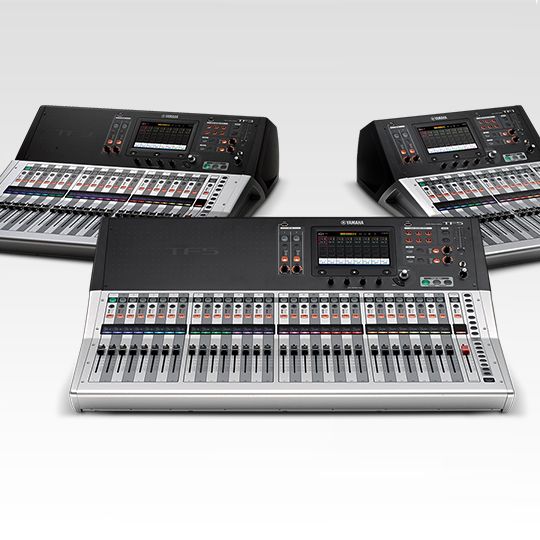
Here's a workable hack to get a Yamaha TF series mixer audio into OBS. I am doing this currently.
As lebaston100 reported, since the Yamaha/Steinberg ASIO driver lacks the ability to specify which of the 34 USB output channels you want to tap if you are using it outside of one of their recording programs that provides that capability, Windows will only see USB channels 1 and 2 being sent from the Yamaha TF console. And the only audio capable of being sent by the console to these USB lines is the Direct Out of the #1 and #2 fader channels. You may find the
Yamaha TF block diagram helpful to visualize what's going on internally.
Here are the steps:
- Channels 1 and 2 of the TF must be available, so if you've got something connected there move them to different input channels. Make sure the channels are off and/or the faders are fully down before going to the next step.
- Patch your desired mix bus output (in my case, Matrix 1/2 as a stereo pair) back into input channels 1 and 2 using either a pair of XLR cables from two Omni output jacks (use the Omni Out patch screen to assign the jacks if you need) or make the equivalent digital routing patch if you have a Dante or other digital environment. Adjust the input gain trim as needed.
- Set the input source selector for channels 1 and 2 as needed for the patch you just created (Input/USB/Slot). Enable the stereo linking for those channels. Use your headphones and Cue the channels to make sure your mix audio is there.
- Select which of the Direct Out tap points suits you (Pre-DG, Pre-HPF, etc.) and ensure the Direct Out is turned On. I recommend not choosing Post On as the Direct Out tap point (see note below).
- You should now be getting your mix into Windows, and thus into OBS, on the "Yamaha TF" input interface. In my experience (currently running version 25.0.4) you may need to close OBS and re-launch it for it to recognize the USB audio.
Now that you've got a console output patched to an input, use extreme caution to ensure the mix doesn't get fed back to itself. Choosing one of the Direct Out tap points that does not require turning the channel on or bringing up the fader will help avoid the risk. As an added safety you may also want to unassign channels 1 and 2 from the L-R bus and turn those channels off in all the Aux and Fx bus sends.
If anybody has a better way, or knows of a different ASIO driver that works with the Yamaha TF series and allows one to specify the particular USB input and output lines (so we can select 33/34 from our Yamaha boards) please chime in! I checked out that
obs-asio plugin but it looks like that is still a no-go for the Yamaha TF series as of this writing.