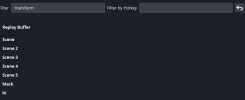
In OBS 32, flipping a source horizontally or vertically isn’t assigned to a default keybind. You usually right-click the source, choose Transform, then Flip Horizontal or Flip Vertical. If you want a keybind, you need to go to Settings → Hotkeys and assign one to “Transform: Flip Horizontal” or “Transform: Flip Vertical.”