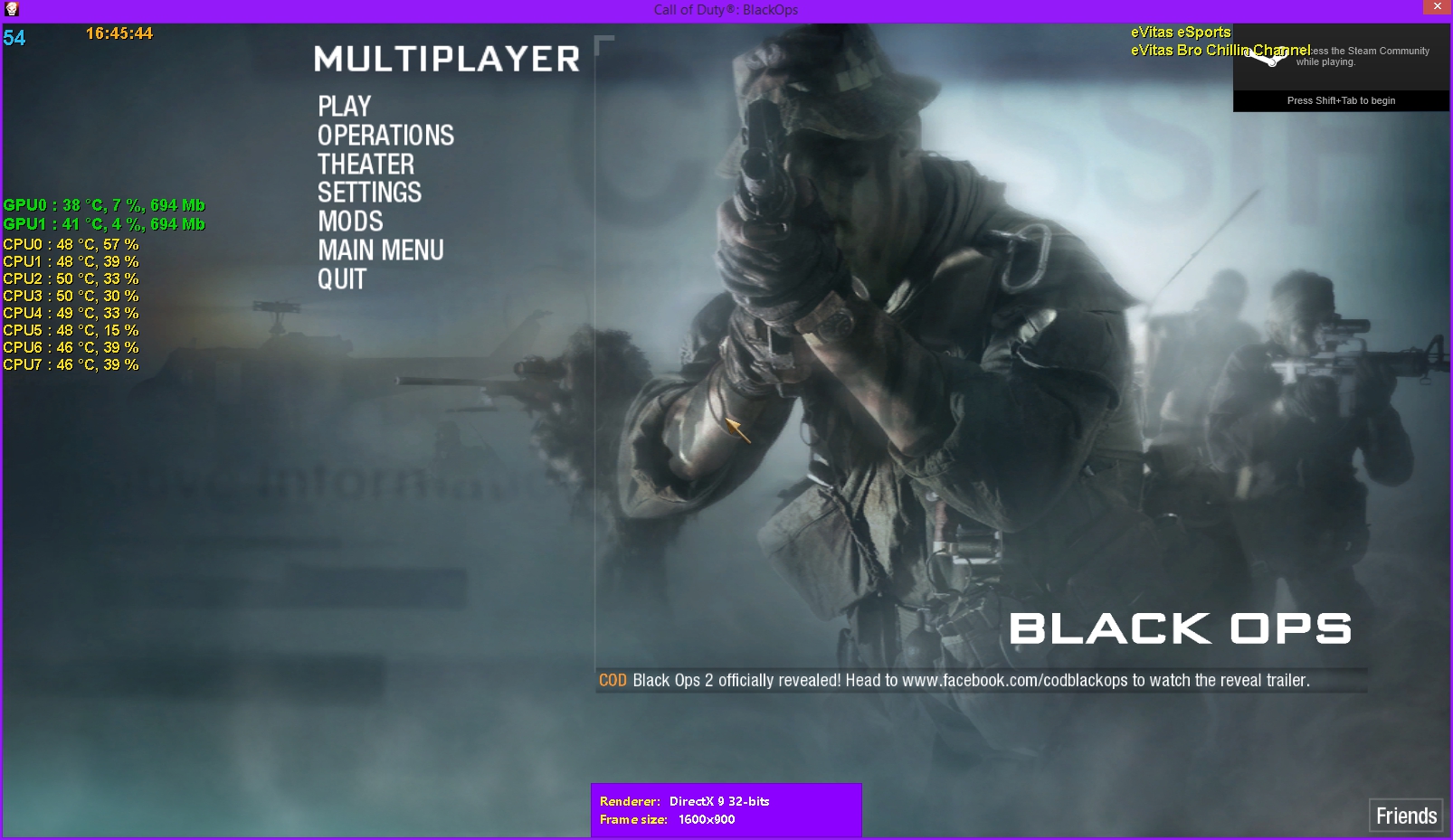
OBS has worked for me on several other games. But when I started playing games from Steam, OBS would crash as soon as I preview it. Here is what the logs say.
OBS has encountered an unhandled exception and has terminated. If you are able to
reproduce this crash, please submit this crash report on the forums at
http://www.obsproject.com/ - include the contents of this crash log and the
minidump .dmp file (if available) as well as your regular OBS log files and
a description of what you were doing at the time of the crash.
This crash appears to have occured in the 'c:\windows\system32\nvwgf2umx.dll' module.
**** UNHANDLED EXCEPTION: c0000005
Fault address: 00007FF95F6DC7ED (c:\windows\system32\nvwgf2umx.dll)
OBS version: Open Broadcaster Software v0.65b
Windows version: 6.2 (Build 9200)
CPU: Intel(R) Core(TM) i7-4500U CPU @ 1.80GHz
Crashing thread stack trace:
Stack EIP Arg0 Arg1 Arg2 Arg3 Address
00000028C235D330 00007FF95F6DC7ED 0000000000000038 00000028BC6B5D50 00000028BC6D54D0 00000028BC6A23E0 nvwgf2umx.dll!0x7ff95f6dc7ed
00000028C235D3E0 00007FF95F73228F 00007FF97B297AA8 00000028BC6CEBC0 00000028BDF67970 00007FF97B297AA8 nvwgf2umx.dll!0x7ff95f73228f
00000028C235D440 00007FF95F93BD95 00000028BC6A7060 00000028BC6A5A40 00000028BC6B18D0 0000000000000000 nvwgf2umx.dll!0x7ff95f93bd95
00000028C235D580 00007FF95F92274C 00000028BC6CEBC0 FFFFFFFFFFFFFFFE 00000028B8E3C520 00007FF97B06E627 nvwgf2umx.dll!0x7ff95f92274c
00000028C235D5C0 00007FF97B07F728 0000000000000000 0000000000000000 00000A5400000000 0000000000000000 nvumdshimx.dll!0x7ff97b07f728
00000028C235D5F0 00007FF97B07C88D 00000028B8E7EA20 00000028C235D808 00000028BC6CAD30 0000000000000000 nvumdshimx.dll!0x7ff97b07c88d
00000028C235D620 00007FF97B089BDF 0000000000000000 00007FF97B04380F 00000028BDEED1E8 00007FF97B297AA8 nvumdshimx.dll!0x7ff97b089bdf
00000028C235D650 00007FF97B0739CD FFFF6A0EFFFFEEE9 0000000000000000 00000028BC6B18C8 0000000000000000 nvumdshimx.dll!0x7ff97b0739cd
00000028C235D680 00007FF97B24F468 0000002800000001 0000000000001B9C 00000028C235DA68 0000000000000000 d3d11.dll!0x7ff97b24f468
00000028C235D8C0 00007FF97B24F1DC 00000028BE017A90 00000028BDEED100 0000000000000000 00000028BC6B0FD0 d3d11.dll!0x7ff97b24f1dc
00000028C235EE80 00007FF97B24F643 00000028BDEED0F8 00000028C235F100 00000028C235F0C0 00000028BDEED100 d3d11.dll!0x7ff97b24f643
00000028C235EF00 00007FF97B24B2EF 00000028BDEED0E8 00007FF97B297AA8 00000028BDEED0F8 0000000000000004 d3d11.dll!0x7ff97b24b2ef
00000028C235F080 00007FF97B247E39 00000028BC6B09F0 00007FF900000004 0000000000000000 00007FF97B24E8A0 d3d11.dll!0x7ff97b247e39
00000028C235F250 00007FF97B24F86D 0000000000000000 0000000000000000 0000000000000438 0000000000000780 d3d11.dll!0x7ff97b24f86d
00000028C235F350 00007FF97B250166 0000000000000000 0000000000000000 00000028C235F3D9 0000000000000438 d3d11.dll!0x7ff97b250166
00000028C235F390 00007FF6F2A20F19 00000028C235F4E0 00000028C235F490 00000028C235F3F8 0000000000000464 obs.exe!fill_buffer+0x69
00000028C235F440 00007FF977A85AFE 00000028BDFFB340 0000000000000000 00000028BDFC94A0 00000028B8E3B500 graphicscapture.dll!SharedTexCapture::Init+0x11e
00000028C235F4B0 00007FF977A83986 0000000000000000 00000028BDFFB340 0000000000000000 0000000000000424 graphicscapture.dll!GraphicsCaptureSource::NewCapture+0x376
00000028C235F520 00007FF977A84B50 0000000000000000 00007FF964770798 0000744936E97544 000000000004C4B4 graphicscapture.dll!GraphicsCaptureSource::Tick+0x140
00000028C235F570 00007FF964767C6B 0000000000000000 0000000000000000 00000028C235F6B0 00000000000001B0 obsapi.dll!StringList::FindValueIndexI+0x6b
00000028C235F5B0 00007FF6F2A53884 00007FF6F2A51340 0000000000000000 0000000000000000 0000000000000000 obs.exe!D3D10Shader::UpdateParams+0xd4
00000028C235FA40 00007FF6F2A51349 0000000000000000 0000000000000000 0000000000000000 0000000000000000 obs.exe!CodeTokenizer::GetTokenPrecedence+0x79
00000028C235FA70 00007FF97FF713D2 00007FF97FF713B0 0000000000000000 0000000000000000 0000000000000000 kernel32.dll!0x7ff97ff713d2
00000028C235FAA0 00007FF98011E954 0000000000000000 0000000000000000 0000000000000000 0000000000000000 ntdll.dll!0x7ff98011e954
A minidump was saved to C:\Users\Hikaru\AppData\Roaming\OBS\crashDumps\OBSCrashDump2015-03-16_5.dmp.
Please include this file when posting a crash report.
List of loaded modules:
Base Address Module
OBS has encountered an unhandled exception and has terminated. If you are able to
reproduce this crash, please submit this crash report on the forums at
http://www.obsproject.com/ - include the contents of this crash log and the
minidump .dmp file (if available) as well as your regular OBS log files and
a description of what you were doing at the time of the crash.
This crash appears to have occured in the 'c:\windows\system32\nvwgf2umx.dll' module.
**** UNHANDLED EXCEPTION: c0000005
Fault address: 00007FF95F6DC7ED (c:\windows\system32\nvwgf2umx.dll)
OBS version: Open Broadcaster Software v0.65b
Windows version: 6.2 (Build 9200)
CPU: Intel(R) Core(TM) i7-4500U CPU @ 1.80GHz
Crashing thread stack trace:
Stack EIP Arg0 Arg1 Arg2 Arg3 Address
00000028C235D330 00007FF95F6DC7ED 0000000000000038 00000028BC6B5D50 00000028BC6D54D0 00000028BC6A23E0 nvwgf2umx.dll!0x7ff95f6dc7ed
00000028C235D3E0 00007FF95F73228F 00007FF97B297AA8 00000028BC6CEBC0 00000028BDF67970 00007FF97B297AA8 nvwgf2umx.dll!0x7ff95f73228f
00000028C235D440 00007FF95F93BD95 00000028BC6A7060 00000028BC6A5A40 00000028BC6B18D0 0000000000000000 nvwgf2umx.dll!0x7ff95f93bd95
00000028C235D580 00007FF95F92274C 00000028BC6CEBC0 FFFFFFFFFFFFFFFE 00000028B8E3C520 00007FF97B06E627 nvwgf2umx.dll!0x7ff95f92274c
00000028C235D5C0 00007FF97B07F728 0000000000000000 0000000000000000 00000A5400000000 0000000000000000 nvumdshimx.dll!0x7ff97b07f728
00000028C235D5F0 00007FF97B07C88D 00000028B8E7EA20 00000028C235D808 00000028BC6CAD30 0000000000000000 nvumdshimx.dll!0x7ff97b07c88d
00000028C235D620 00007FF97B089BDF 0000000000000000 00007FF97B04380F 00000028BDEED1E8 00007FF97B297AA8 nvumdshimx.dll!0x7ff97b089bdf
00000028C235D650 00007FF97B0739CD FFFF6A0EFFFFEEE9 0000000000000000 00000028BC6B18C8 0000000000000000 nvumdshimx.dll!0x7ff97b0739cd
00000028C235D680 00007FF97B24F468 0000002800000001 0000000000001B9C 00000028C235DA68 0000000000000000 d3d11.dll!0x7ff97b24f468
00000028C235D8C0 00007FF97B24F1DC 00000028BE017A90 00000028BDEED100 0000000000000000 00000028BC6B0FD0 d3d11.dll!0x7ff97b24f1dc
00000028C235EE80 00007FF97B24F643 00000028BDEED0F8 00000028C235F100 00000028C235F0C0 00000028BDEED100 d3d11.dll!0x7ff97b24f643
00000028C235EF00 00007FF97B24B2EF 00000028BDEED0E8 00007FF97B297AA8 00000028BDEED0F8 0000000000000004 d3d11.dll!0x7ff97b24b2ef
00000028C235F080 00007FF97B247E39 00000028BC6B09F0 00007FF900000004 0000000000000000 00007FF97B24E8A0 d3d11.dll!0x7ff97b247e39
00000028C235F250 00007FF97B24F86D 0000000000000000 0000000000000000 0000000000000438 0000000000000780 d3d11.dll!0x7ff97b24f86d
00000028C235F350 00007FF97B250166 0000000000000000 0000000000000000 00000028C235F3D9 0000000000000438 d3d11.dll!0x7ff97b250166
00000028C235F390 00007FF6F2A20F19 00000028C235F4E0 00000028C235F490 00000028C235F3F8 0000000000000464 obs.exe!fill_buffer+0x69
00000028C235F440 00007FF977A85AFE 00000028BDFFB340 0000000000000000 00000028BDFC94A0 00000028B8E3B500 graphicscapture.dll!SharedTexCapture::Init+0x11e
00000028C235F4B0 00007FF977A83986 0000000000000000 00000028BDFFB340 0000000000000000 0000000000000424 graphicscapture.dll!GraphicsCaptureSource::NewCapture+0x376
00000028C235F520 00007FF977A84B50 0000000000000000 00007FF964770798 0000744936E97544 000000000004C4B4 graphicscapture.dll!GraphicsCaptureSource::Tick+0x140
00000028C235F570 00007FF964767C6B 0000000000000000 0000000000000000 00000028C235F6B0 00000000000001B0 obsapi.dll!StringList::FindValueIndexI+0x6b
00000028C235F5B0 00007FF6F2A53884 00007FF6F2A51340 0000000000000000 0000000000000000 0000000000000000 obs.exe!D3D10Shader::UpdateParams+0xd4
00000028C235FA40 00007FF6F2A51349 0000000000000000 0000000000000000 0000000000000000 0000000000000000 obs.exe!CodeTokenizer::GetTokenPrecedence+0x79
00000028C235FA70 00007FF97FF713D2 00007FF97FF713B0 0000000000000000 0000000000000000 0000000000000000 kernel32.dll!0x7ff97ff713d2
00000028C235FAA0 00007FF98011E954 0000000000000000 0000000000000000 0000000000000000 0000000000000000 ntdll.dll!0x7ff98011e954
A minidump was saved to C:\Users\Hikaru\AppData\Roaming\OBS\crashDumps\OBSCrashDump2015-03-16_5.dmp.
Please include this file when posting a crash report.
List of loaded modules:
Base Address Module