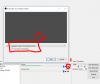
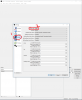
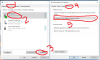
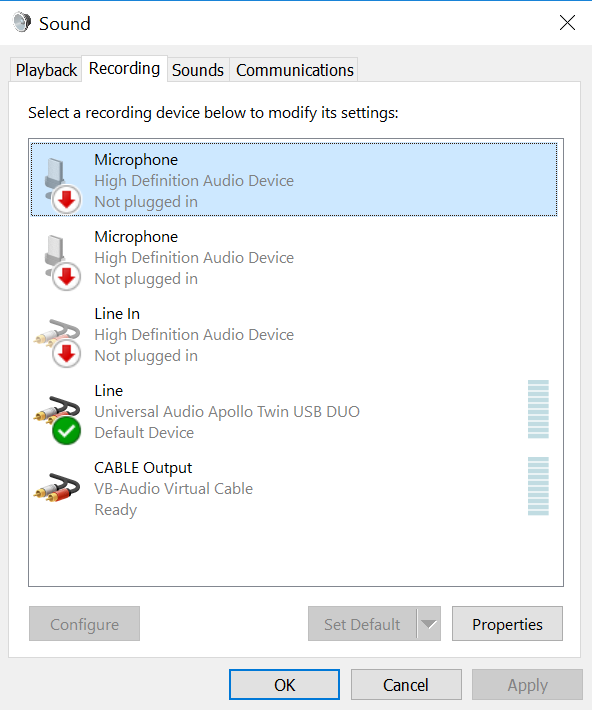
The microphone is plugged into the Apollo and its functionality confirmed in windows sound settings. ( The microphone shows green bars as input ) But when selected in OBS Studio, there is no input recognized by the program. This isn't the first time this has happened. Atleast 2 threads have been created yet a solution never found. I would be thankful if anyone has any ideas on the problem. I will gladly answer any question too :)
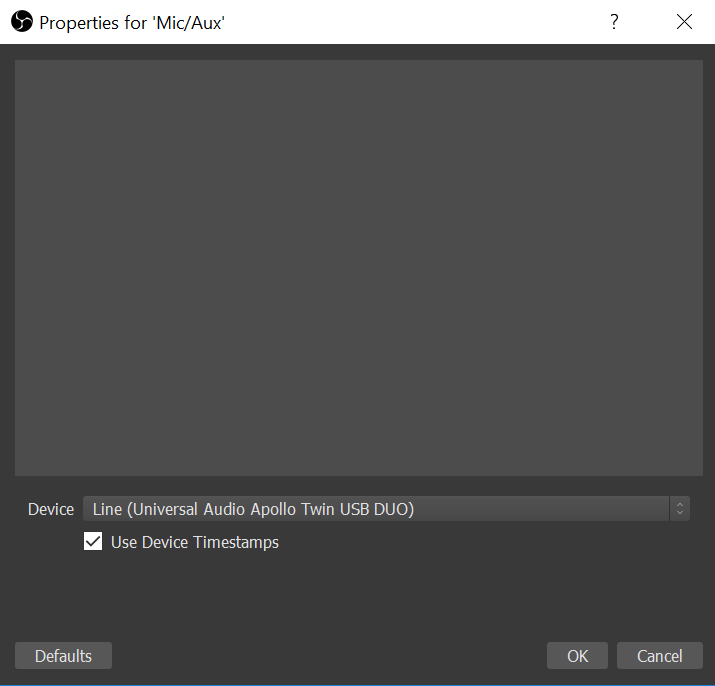
In the mixer, If you click on the cog/setting wheel next to your mic volume and click properties it says you are using the Apollo Correct?
I am also in fact having a different issue with the Apollo as well, though I have the thunderbolt version and windows apparently doesn't like that:P
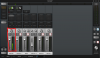
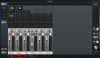
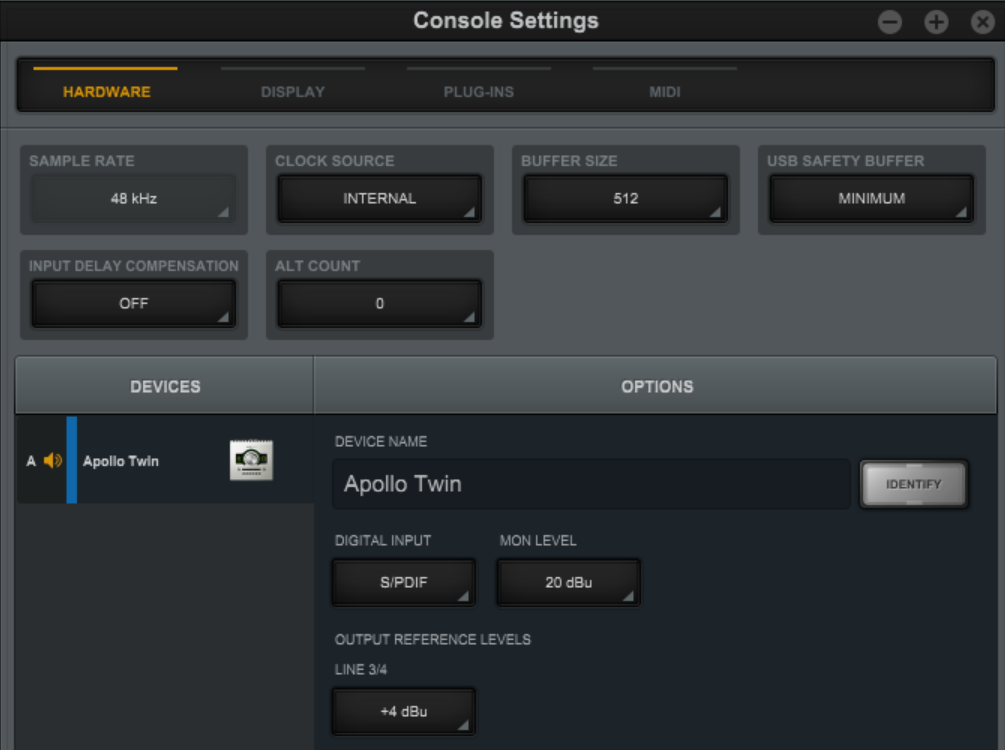
Also I assume you have the drivers installed. Open UAD Console by clicking the logo in your task bar.
Make sure there is signal coming in there.
Lastly make sure all speakers you have are all the way turned down or off!!!! Trust me you don't want to hear feedback:P
open windows recording devices -> click the apollo microphone -> properties -> listen tab at the top -> check Listen To This Device -> Apply. Put on your headphones and talk. You should hear yourself. If you don't do a clean reinstall of UAD Software.
All of this is double and triple checking your settings:P It will either not work at all or sound very weird if set up wrong. If that is the case you can also try checking your sample rates and make sure ALL OF THEM are the EXACT same. I assume you have done and know this but its ALWAYS good to check. They all just have to be the same. Does not matter what numbers are there.
I just got an Apollo Twin Duo USB today and looks like I've been able to get it working to detect my mic on Ch1 for everything except OBS Studio.
I checked that levels were good on all my other applications like Discord and Reaper and everything works fine on those. Just seems to be OBS that isn't detecting it properly.
My system specs:
Core i7 3770k
32GB RAM
GTX 980 Ti
Apollo Twin Duo USB
Win 10 Pro
OBS Studio 20.1.1
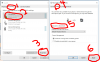
I set my Recording Devices to the ATD at 22 channels 48kHz
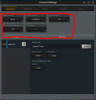
I also have my ATD Console set to 48kHz
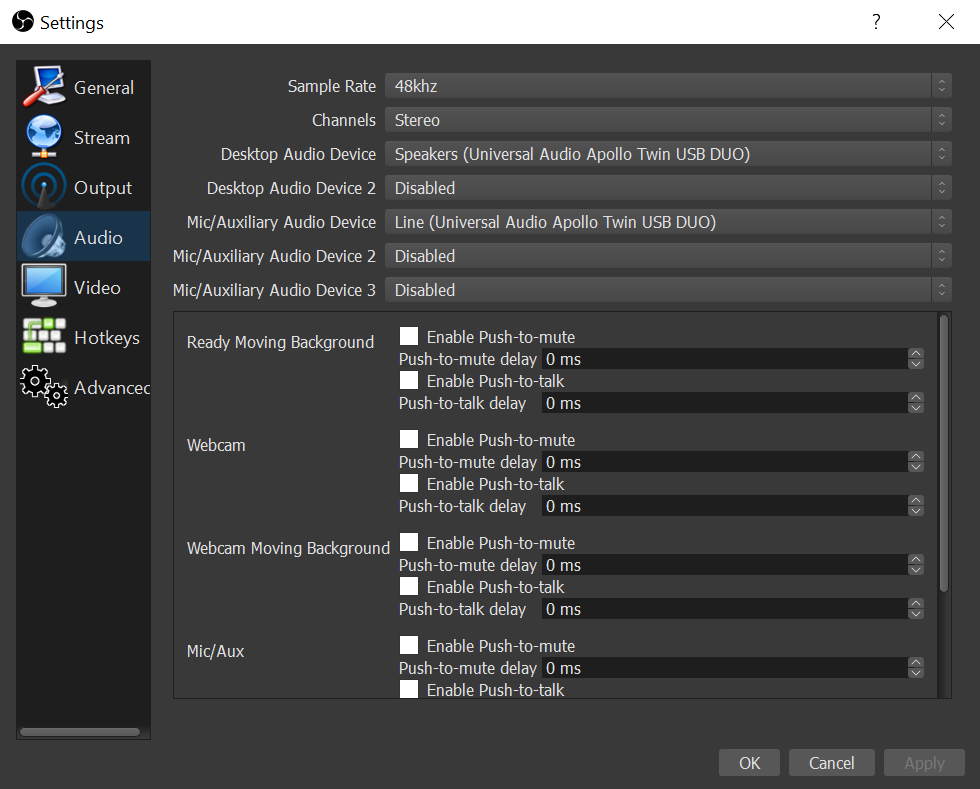
My OBS Studio is set to 48kHz and my devices are set correctly as well:
This site uses cookies to help personalise content, tailor your experience and to keep you logged in if you register.
By continuing to use this site, you are consenting to our use of cookies.