Matthew Ruggiero
New Member
So I'm trying to stream Osu today, and every time OBS starts to capture my screen, my FPS goes from 240 to 20... I can't seem to figure this out at all.
I currently don't have it streaming or recording, it just cuts my FPS as soon as it starts capturing the screen.
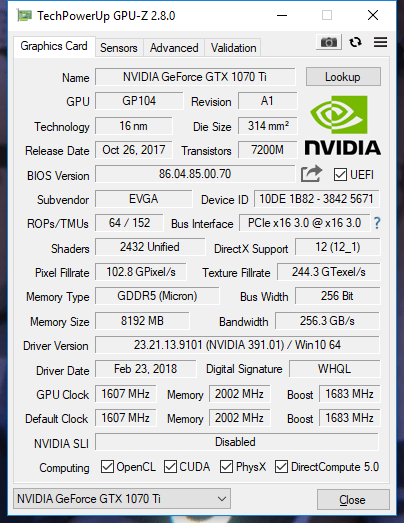
Setup: GTX 1070 TI - i5-7600k - 16GB RAM - 1440p 144Hz main monitor - two 1080p 60Hz monitors
If it's not capturing, but OBS open, I'm fine.
https://gist.github.com/anonymous/96e23989b25e91ef04719e99d4276c26
I currently don't have it streaming or recording, it just cuts my FPS as soon as it starts capturing the screen.
Setup: GTX 1070 TI - i5-7600k - 16GB RAM - 1440p 144Hz main monitor - two 1080p 60Hz monitors
If it's not capturing, but OBS open, I'm fine.
https://gist.github.com/anonymous/96e23989b25e91ef04719e99d4276c26