sickbuthappy
New Member
Hi,
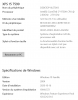
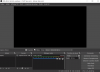
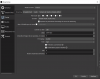
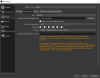
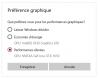
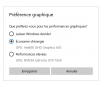
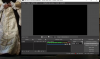
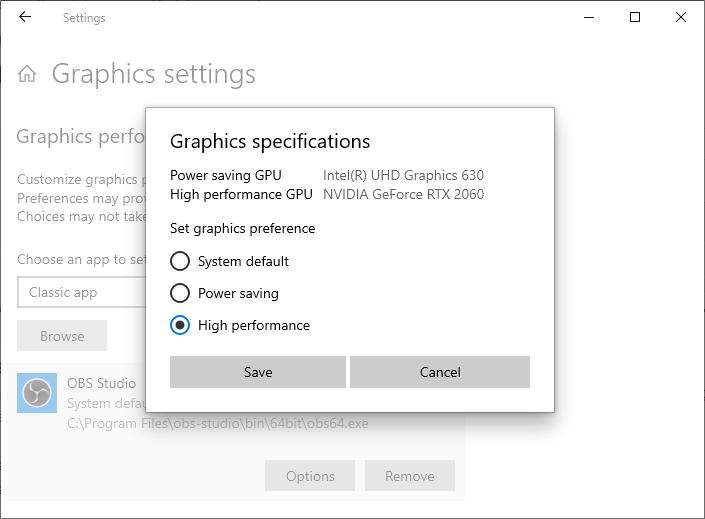
Just got a DELL XPS 15 7590 and I get a black screen. Tried the graphics set-up with Intel or NVIDIA, neither worked....I'm trying to capture a live stream on internet (show). I used to be able to do it with my desk computer. I am not an expert, but really appreciated using OBS and would like to find a solution... I've attached an image of my system info and the parameters I am using in OBS. Any help would be appreciated ;)
Just got a DELL XPS 15 7590 and I get a black screen. Tried the graphics set-up with Intel or NVIDIA, neither worked....I'm trying to capture a live stream on internet (show). I used to be able to do it with my desk computer. I am not an expert, but really appreciated using OBS and would like to find a solution... I've attached an image of my system info and the parameters I am using in OBS. Any help would be appreciated ;)