HDR - How to use?

Librewolf

Member
I have question on how to use HDR recording with OBS-Studio.

Do the settings i use demend on my specific monitor model?
What color format should i use?
What color space should i use?
How many nits should i set in the options?

This is my monitor:
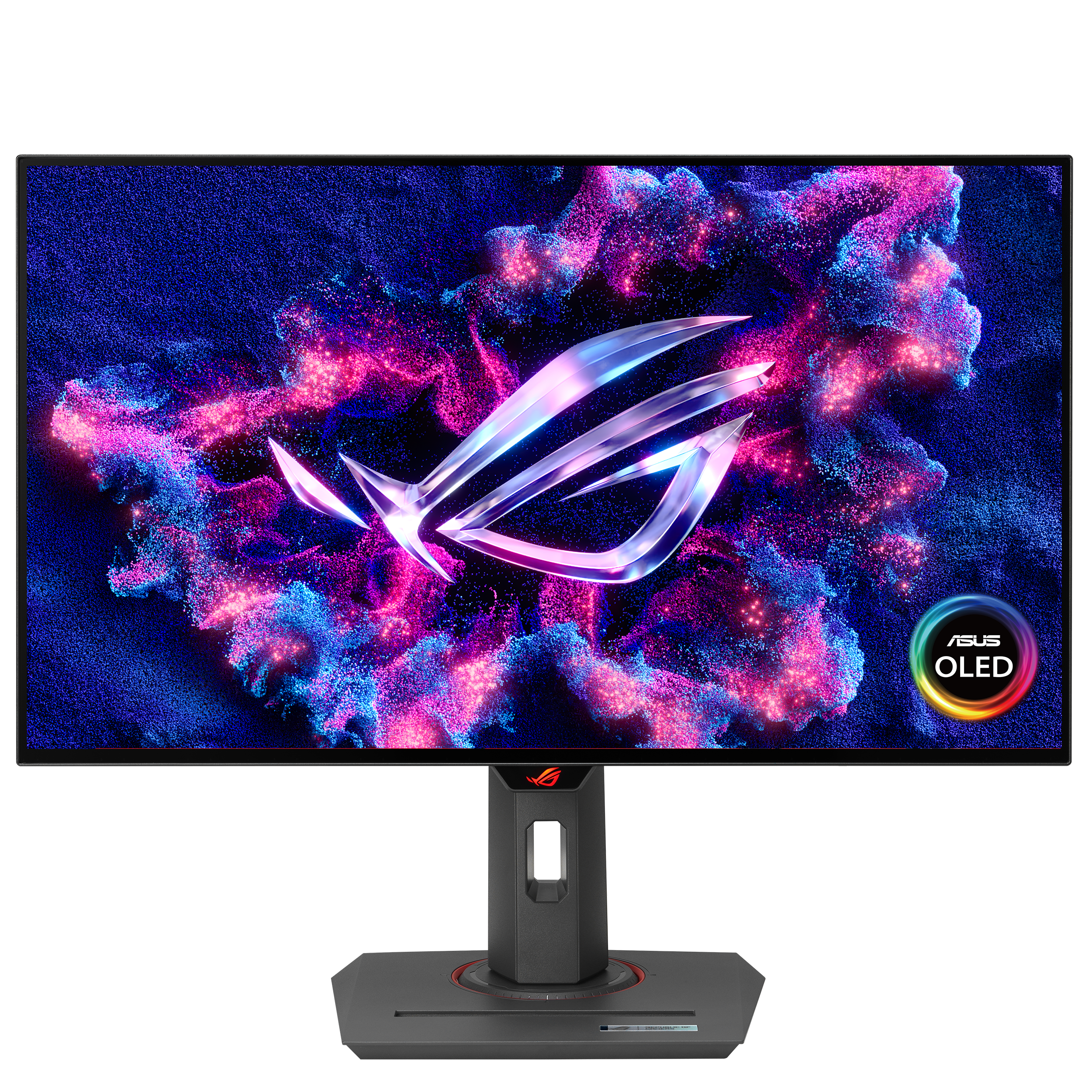
All technical data (if relevant) is accessible with above links.
 
Can... anybody help?
My current recording setting (default) results in all footage looking washed out, a bit to much grey.
How do i configure OBS for my HDR10 monitor?
 
...all footage looking washed out, a bit to much grey
This means that SDR (or partial range) video represented on HDR (or full range) monitor without proper scaling.

 
This means that SDR (or partial range) video represented on HDR (or full range) monitor without proper scaling.


Can't follow you.
The washed out greylike colors appear only on videos recorded with obs, the actual colors look amazing with this hdr10 monitor.
So the scaling you mention doesn't affect the monitor directly but it's a problem with obs or atleast my settings within obs.
 
I find it strange that OBS implemented HDR support since i believe v28 but there is no official guide how to set it up and no help from the forum. How?
 
You can write the one in case you succeed.

Meanwhile,
because OBS may record the game that is actually rendered 8-bit. So, nothing wrong here. Windows OS able to scale up "bitness" on the fly too.

And don't forget to test out different players. The "mpv player" and "VLC player".
 
I tried some settings, color format P010 and I010 (both are 10bit color depth) rec 2100 PQ and rec 2100 HLG, color range limited and full. I was randomly seleting things, made a few seconds recording and compared them.
I managedto get a HDR recording that didn't look greyed out but i am unable to reproduce it.
Anyone can explain which settings are required for proper HDR recording so the washed out greyfilter goes away?

SDR SCREENSHOT: HDR SCREENSHOT:
 
Screenshots here doesn't make much sense. Both images are 8-bit per color component. Better post the log.
 
Back
Top