tephramancy
New Member
I started up OBS to stream this evening, and got this error message:

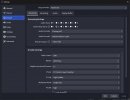
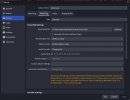
So I updated the video drivers and rebooted my PC, but I am still getting the same error message when I try to start the stream. I have not changed the encoder settings since the last time I streamed about 3 weeks ago, and now the drivers are up to date, I'm not sure what else to try next. Logs attached. Any assistance appreciated!
So I updated the video drivers and rebooted my PC, but I am still getting the same error message when I try to start the stream. I have not changed the encoder settings since the last time I streamed about 3 weeks ago, and now the drivers are up to date, I'm not sure what else to try next. Logs attached. Any assistance appreciated!