Splinter00S
New Member
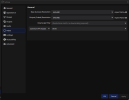
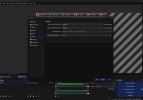
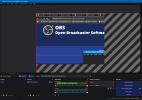
I don't know if something changed and I'm stupid or what's going on here, but I've been putting off updating OBS since about version 30.0 or so because every time I tried to update it would corrupt all my recording profiles. Well I finally bit the bullet and upgraded, and the first profile seems to be working, but I go to make the second and even though I've verified the resolution change is written into the profile files it's not changing on the preview screen anymore. In the past I was able to just duplicate profiles and change the resolution to fit whatever game I was recording, but now it just doesn't work and instead is trying to scale the 640x480 area? I might just go back to 30.0 again because every time I try to update something seems to break. I'm in the middle of some rendering right now so I haven't had a chance to test the actual recordings but I don't think I've ever had a recording not look like the preview so I'm not optimistic it will magically work.